
5 Reasons Your Small Business Website Isn't Converting
A landscaper in Washington called me last spring. His site had been live for three years, he was paying someone in another state $400 a month for "SEO," and he was getting maybe two leads a month from the website. Two. In peak season. In a town where every other house has a yard that needs work.
When I pulled up his analytics, the traffic wasn't actually the problem. He had visitors. Real ones, from St. George, Hurricane, and Santa Clara. They just weren't doing anything. They landed, looked, and left.
That's a conversion problem, not a traffic problem — and it's the single most common issue I see on small business websites across Southern Utah. Below is the diagnostic I run when a site is bleeding visitors. Work through it honestly and you'll usually find at least two of these five killing your numbers.
1. Your Site Loads Like It's 2011
Speed is the first filter. If your homepage takes more than three seconds to render on a phone, a meaningful chunk of your visitors are already gone before they see your logo. Google has been pretty open about this for years, and in our experience the drop-off curve gets brutal past the four-second mark.
The usual culprits I find on small business sites:
Massive uncompressed images — someone dropped a 4 MB photo straight from their iPhone into the hero slot
Bloated page builders stacking ten plugins to do what clean HTML and CSS could do natively
No caching, so every visitor triggers a full database query
Hosting that's $4 a month and shared with 800 other sites on the same server
Run your homepage through Google's PageSpeed Insights. If your mobile score is under 50, that's your starting point. You don't need a perfect 100 — but anything red is costing you money.
a phone screen showing a loading spinner next to a coffee mug on a desk
2. Your SEO Doesn't Match How Locals Actually Search
I see this constantly. A roofer's site is optimized for "quality roofing services" — a phrase no human has ever typed into Google. Meanwhile his competitors are ranking for "metal roof repair St. George" and "tile roof replacement Washington UT," which is what actual customers search.
Local SEO isn't about cramming your city name into every paragraph. It's about understanding the specific job-to-be-done your customer is trying to solve, and making sure your pages speak to that intent.
The fix usually involves three things:
A real Google Business Profile — claimed, verified, with photos that aren't ten years old, posts going up monthly, and reviews you're actively asking for. This is half the battle for local search and most small businesses do it badly. (We dig into this on our Google Business Profile page.)
Service pages targeted at specific jobs in specific cities — not one bloated "Services" page, but separate pages for "HVAC repair Hurricane" and "AC installation Ivins."
Schema markup so search engines actually understand you're a local business, what you do, your hours, and your service area.
One Hurricane contractor we audited had "serving Southern Utah" in his footer and nothing else location-specific anywhere on the site. After we built out city-specific service pages, he started ranking on the first page for three of his top services within about two months.
3. Your Calls-to-Action Are Confusing or Missing
Here's a test: pull up your homepage on your phone right now. Without scrolling, what's the one thing you want a visitor to do? Call you? Fill out a form? Book a consultation? If the answer isn't immediately obvious — or if there are six competing buttons all shouting different things — you've got a CTA problem.
Good CTAs share a few traits:
They're visually distinct from the rest of the page (a button that actually looks like a button)
They use specific verbs — "Get a Free Estimate" beats "Submit" every time
They appear multiple times on the page, not just buried in the footer
On mobile, the phone number is a
tel:link so tapping it actually dials
I audited a real estate site in Ivins where the only way to contact the agent was a contact form at the bottom of the homepage — no phone number visible anywhere above the fold. On mobile, that meant scrolling past five sections of stock photos before you could even find out how to reach a human. We added a sticky header with a tap-to-call button. Calls roughly doubled within the first month.
4. Your Design Looks Like It Hasn't Been Touched Since 2014
People judge fast. Really fast. The research I've seen suggests visitors form an opinion about your business within the first 50 milliseconds of seeing your site — basically before they've consciously processed anything. And that snap judgment carries weight.
An outdated design signals one of two things, neither good: either you went out of business and forgot to take the site down, or you don't care enough about your own business to maintain it. Either way, that visitor is hitting the back button and clicking the next result.
Specific red flags I watch for:
Tiny text designed for desktop monitors
Stock photography of people in suits shaking hands (we're not in Manhattan, we're in Washington County — show your actual crew, your actual work)
Sliders/carousels that auto-rotate — these tested badly years ago and still do
Three different fonts fighting each other
A "News" or "Blog" section whose latest post is from 2019
You don't need a complete rebuild every two years. But every three to four years, your design should get a serious refresh. Trust signals decay.
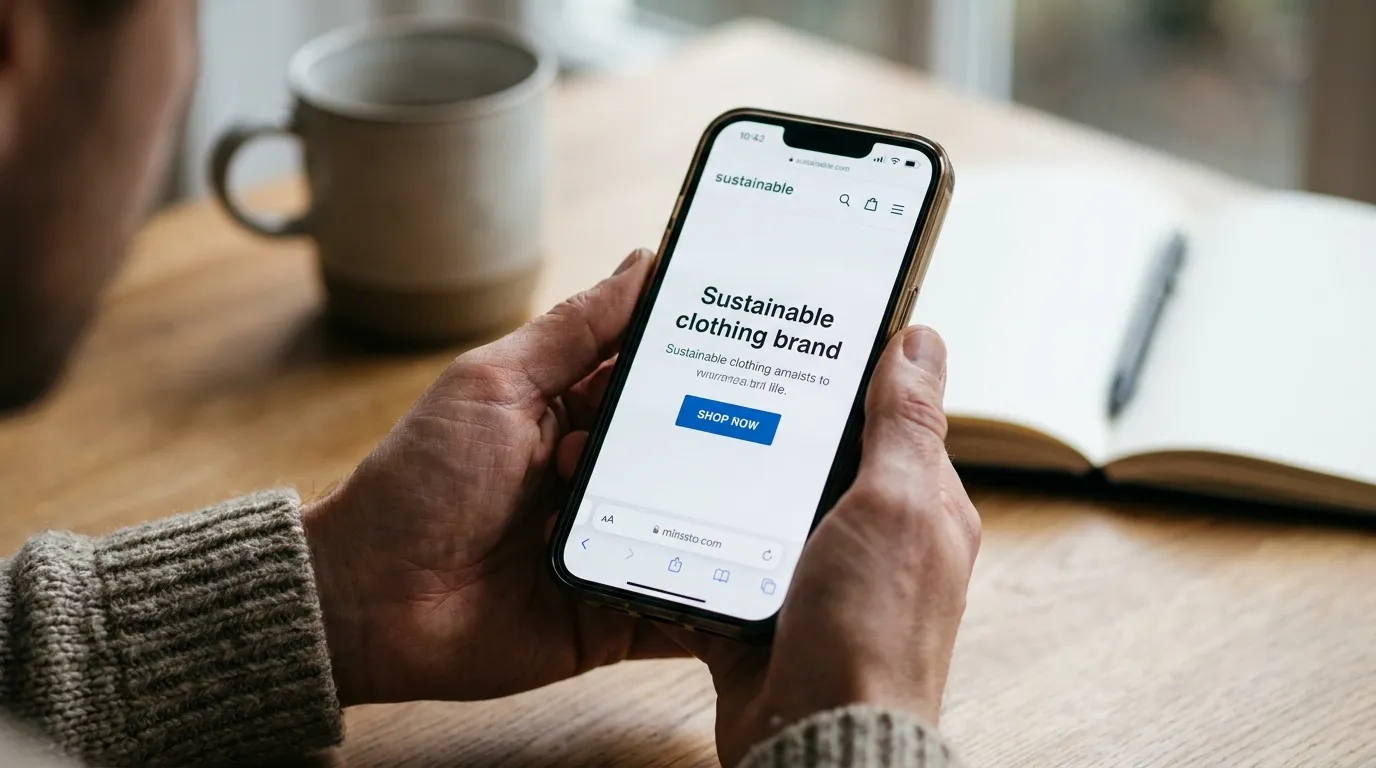
hands holding a smartphone showing a website with a clear call-to-action button
5. Your Mobile Experience Was Never Actually Tested
Here's an uncomfortable truth: most small business owners build their site on a desktop, approve it on a desktop, and check it on a desktop. Then 65–75% of their traffic shows up on a phone and has a completely different experience.
Common mobile problems I find:
Tap targets too small or too close together — your finger keeps hitting the wrong link
Forms that don't work right — the keyboard covers the field you're typing in, or the submit button is off-screen
Horizontal scroll caused by a single image or table that's wider than the viewport
Hover-only menus that don't open on touch devices
Pop-ups that take up the entire screen with a tiny close button
Test it yourself. Pull up your site on your phone, try to find a specific service, try to call you, try to fill out the form. If anything feels awkward, your customers are feeling it ten times worse — because they don't already know where everything is.
How a Local Audit Actually Fixes This
The big agency play is to package all of the above into a "Digital Transformation Initiative," assign you an account manager who's never built a website, and bill you $15,000 to start. I've watched it happen to plenty of business owners in St. George who didn't know they had cheaper options.
What I do — and what any good local web consultant should do — is run a focused audit, identify the two or three issues actually killing conversions, and fix those first. Not everything at once. Not a six-month overhaul. The specific problems, in priority order.
The way we build at B-Squared is a little different than the typical "design first, bolt SEO on later" approach. Speed, on-page SEO, mobile behavior, and conversion paths get designed in from the first wireframe. So when we audit an existing site, we're looking at it through the same lens we'd use if we were building it from scratch — which usually means we find issues a pure-design shop would miss and a pure-SEO shop would ignore.
If your traffic is fine but your phone isn't ringing, you don't need more marketing spend. You need someone to figure out where the leak is.
Where to Start
Pick the two issues from this list that hit closest to home and fix those first. Most small business sites can move the needle significantly in 30 days just by addressing speed and CTAs — the SEO and design work pays off over a longer horizon but compounds.
If you'd rather skip the guesswork, that's what we do. We'll pull up your site, run the diagnostics, and tell you exactly what's costing you customers — without trying to sell you a full rebuild you don't need. Learn more about how we work or just call us directly at (435) 266-0441 and we'll talk through what you're seeing.