
Website Development Introduction: How Sites Actually Get Built
A landscaper in Washington called me last spring because his site — built by his nephew in 2017 — was taking nine seconds to load on a phone. He'd been paying for Google Ads, sending people to that site, and watching the bounce rate sit at 78%. He didn't need a redesign pitch. He needed someone to explain, in plain English, what was actually broken and how a real website gets built.
So that's what this post is. If you've ever wondered what happens between the moment you sign a web design contract and the day your new site goes live, here's the technical walkthrough — minus the agency jargon.
I'll cover discovery, stack selection, the actual build, performance work, and launch. By the end you should be able to ask better questions of whoever you hire (us or anyone else) and know whether the answers make sense.
Discovery: The Part Most Agencies Rush
Before anyone touches code, the most important conversation happens. Discovery is where we figure out what the site actually needs to do — not what it should look like.
For that Washington landscaper, the real questions were: how many leads per week does he want, what services drive the most margin, where does he physically work (turns out: Hurricane to Ivins, not Cedar City), and which keywords match the way his customers search. "Sod installation near me" behaves very differently from "xeriscape Santa Clara", and the site architecture has to reflect that.
A real discovery phase produces:
A sitemap — every page, how they nest, what gets indexed
A content inventory — who writes what, by when
Technical requirements: forms, integrations, payment, scheduling, CRM hooks
Performance targets (we usually shoot for
LCP < 2.5son a mid-tier Android over 4G)A keyword map tying URLs to search intent
Skip this step and you'll end up with a beautiful site that ranks for nothing and converts at 0.4%.
Design vs. Development: They're Not the Same Thing
People use these words interchangeably and it causes problems. Design is what the site looks and feels like — layout, type, color, hierarchy, the way a button hover behaves. Development is translating that design into working code that runs in a browser, talks to a database, and doesn't break when Google's crawler hits it at 2 a.m.
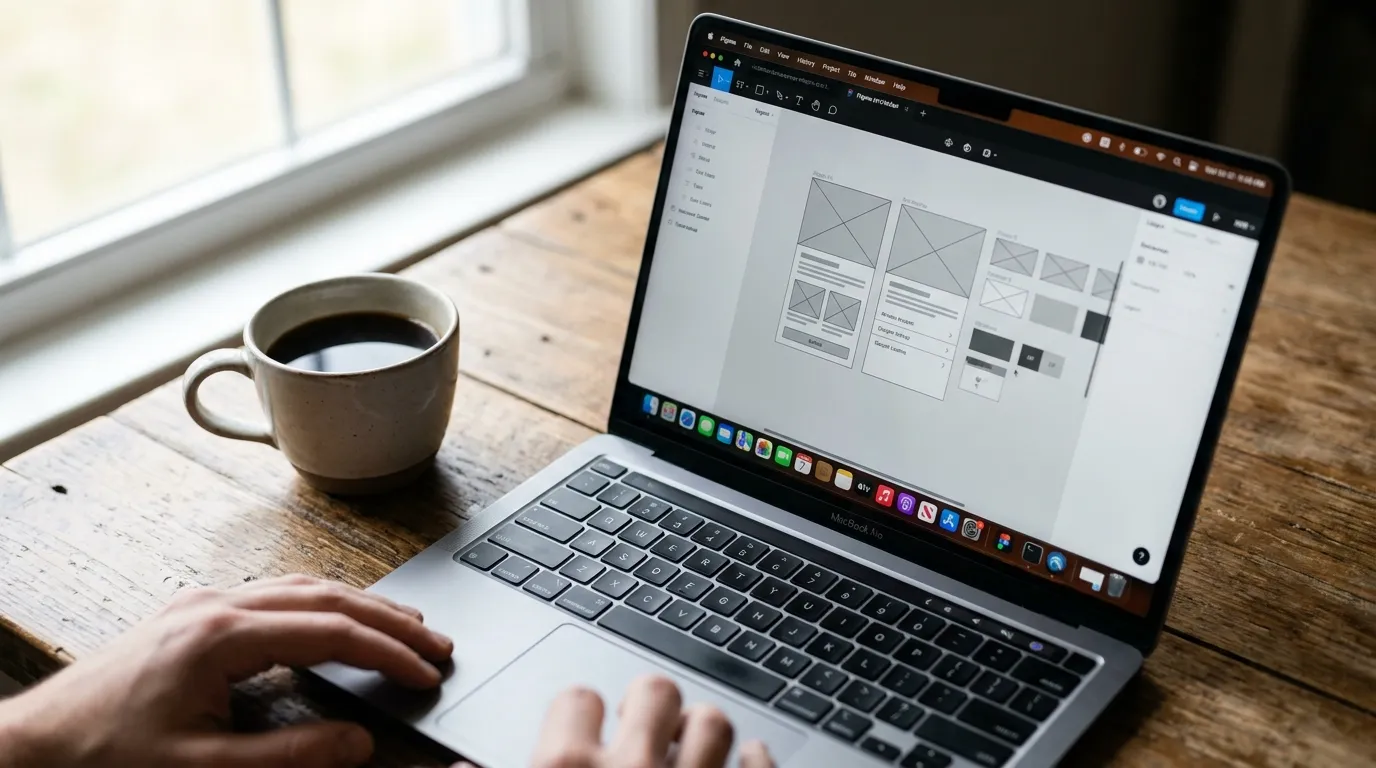
The design phase usually produces high-fidelity mockups in Figma. Every breakpoint — mobile, tablet, desktop — gets its own layout. We annotate animations, hover states, form validation behavior. The goal is that nothing during development is a guess.
If your designer hands the developer a single desktop PNG and says "make it responsive," you're about to spend three rounds of revisions arguing about how the hero looks on an iPhone SE.
Good design files also include the component system — buttons, cards, form fields, navigation patterns — defined once and reused everywhere. This matters more than it sounds. It's the difference between a site that takes 60 hours to maintain per year and one that takes 6.
a laptop screen showing Figma wireframes next to a coffee mug on a wooden desk
Picking the Stack (And Why It Matters More Than You Think)
Stack selection is where I see small businesses get burned the most. Someone sells them a WordPress site loaded with 34 plugins, or a Wix subscription they can never migrate off of, or a custom React app for a five-page brochure site.
The right stack depends on what the site does. Here's how we generally think about it:
Brochure / Local Service Sites (5-20 pages)
For a plumber in Hurricane or a real estate agent in Ivins, we'll usually reach for a static site generator like Astro or Next.js in static export mode. The pages get built once, served from a CDN, and load in under a second. There's no database to hack, no plugin to patch, no $40/month hosting bill.
This is the bulk of our lovable SPA sites work and it's the right answer for the majority of Southern Utah small businesses.
E-commerce
If you're selling product, we generally land on Shopify. The economics make sense — payment processing, inventory, fulfillment, tax handling all solved out of the box. Where we add value is custom theme development, app integrations, and getting the speed up to where Google actually likes it (default Shopify themes are slow).
Custom App Functionality
Once you need user accounts, dashboards, scheduling logic, internal tools — you're in custom software territory. We typically reach for Next.js with a Postgres database, deployed on Vercel or a managed VPS. That's overkill for a brochure site and exactly right for, say, an HVAC company managing 40 technicians' routes.
The Actual Build
Once the stack is chosen and designs are approved, development happens in a few overlapping phases.
Component Build-Out
We start with the design system — the buttons, forms, navigation, footers, cards. Build these as reusable components first, then assemble pages from them. A change to the button style propagates everywhere in one commit.
Page Assembly & Content Integration
This is where the homepage, service pages, about page, and blog get assembled. If the client is using a CMS (Sanity, Contentful, or WordPress in headless mode), this is when content modeling happens — defining what fields a "Service Page" has so the client can edit copy without breaking layouts.
Technical SEO Foundations
While the build is happening, we're handling:
Schema markup — LocalBusiness, Service, FAQ, Breadcrumb structured data
Semantic HTML — proper
<h1>through<h6>hierarchy, real<article>and<nav>elementsImage optimization — WebP or AVIF, responsive
srcset, lazy loading below the foldInternal linking architecture — the service pages link to each other in ways that make sense for both humans and crawlers
XML sitemap and
robots.txtconfigured correctly
If SEO isn't being baked in during the build, you're going to pay someone to retrofit it later, and that's always more expensive.
Performance: The Boring Part That Wins Business
Here's the part the nephew-built sites always miss. A site that loads in 1.2 seconds will outperform a prettier site that loads in 5 seconds, every time. Especially in a place like St. George where a lot of search happens on phones over cellular.
The technical work here looks like:
Minimizing JavaScript bundle size — every kilobyte costs you milliseconds
Inlining critical CSS, deferring the rest
Using a CDN (Cloudflare, Vercel Edge, etc.) so assets serve from somewhere close to the user
Optimizing the largest contentful paint element (usually the hero image)
Avoiding render-blocking third-party scripts (yes, that includes some chat widgets and certain analytics setups)
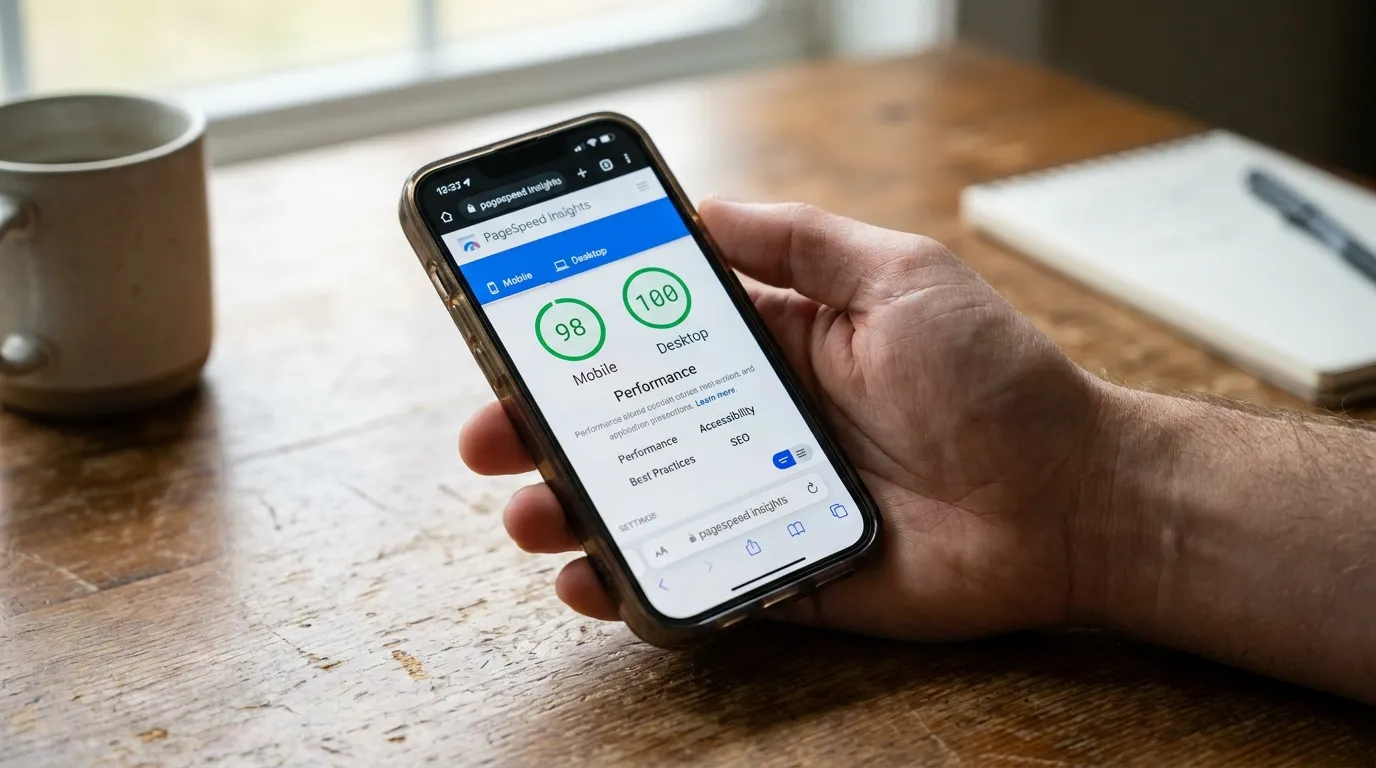
We run PageSpeed Insights and WebPageTest against every build. Targets are 90+ on mobile performance and green Core Web Vitals across the board. Hit those numbers and Google notices.
a phone screen showing a PageSpeed Insights report with green performance scores
Launch and What Happens After
Launch day is anticlimactic when you've done the work right. The DNS gets pointed, the redirects from the old site get verified (this is huge — broken 301s will tank your existing rankings), the analytics tag fires, and the contact form sends a test submission.
What matters more is the 90 days after. Here's what should be happening:
Search Console monitoring for crawl errors and indexing issues
Real-user performance data via something like Vercel Analytics or CrUX
Conversion tracking on every form, phone tap, and outbound click
Content additions — blog posts, new service pages, location pages — based on what people are actually searching for
Backup and update routines so the site doesn't become a security liability six months in
A website isn't a one-and-done deliverable. It's a tool that needs sharpening. The landscaper I mentioned at the top? His new site loads in 1.4 seconds, ranks in the top three for "landscaping Washington UT" and "sod installation St. George," and he's killed his Google Ads budget by about 60% because organic is doing the work.
What to Ask Whoever Builds Your Site
If you're shopping for a developer right now, here are the questions that'll separate the pros from the nephews:
What stack are you using and why is it right for my situation?
How do you handle Core Web Vitals?
What's the CMS workflow — can I update content without calling you?
How will redirects from my old URLs be handled?
What does ongoing maintenance look like and what does it cost?
Can I see Lighthouse scores from sites you've built in the last six months?
If they can't answer those clearly, keep shopping.
Want to Talk About Your Project?
We've built sites for trades, restaurants, real estate offices, and e-commerce brands all over Southern Utah — St. George, Washington, Hurricane, Ivins. If you want a straight conversation about whether your current site is helping or hurting you, I'm happy to take a look.
Head over to /about to learn how we work, or just call me directly at (435) 266-0441. No pitch, no pressure — just a real answer about what your site needs.