
When SaaS Stops Working: Time for Custom Software?
A landscaping company out in Washington called me last spring. They were paying for seven different SaaS tools scheduling, invoicing, CRM, route planning, a separate app for crew timesheets, QuickBooks Online, and Mailchimp. Total monthly bill north of $1,400. None of them talked to each other. Their office manager was spending close to ten hours a week copy-pasting between dashboards.
They didn't have a software problem. They had a duct-tape problem. And somewhere along the way, the cost of holding it all together had quietly passed the cost of building something purpose-built.
That's the moment I want to talk about the inflection point where SaaS subscriptions stop saving you money and start bleeding you dry. It doesn't hit every business, and it doesn't hit on a schedule. But when it shows up, most owners are six to twelve months late recognizing it.
SaaS Earned Its Place... Don't Get Romantic About Custom
Before anyone reading this fires off an email to cancel HubSpot, let me be clear: SaaS is the right answer for the vast majority of small businesses, most of the time. A two-person real estate team in Ivins does not need a custom CRM. They need Follow Up Boss or KvCORE and a decent Google Business Profile.
The whole point of software-as-a-service is that someone else handles the engineering, the security patches, the server uptime, and the feature roadmap and you pay $40 a month instead of $40,000 upfront. That math works beautifully when:
Your workflows match what the tool was designed for
You have fewer than maybe 5–10 active subscriptions
The data lives mostly inside one or two systems
You're still figuring out what your process even is
If that describes you, close this tab. Go enjoy Snow Canyon. You don't need what I'm about to describe.
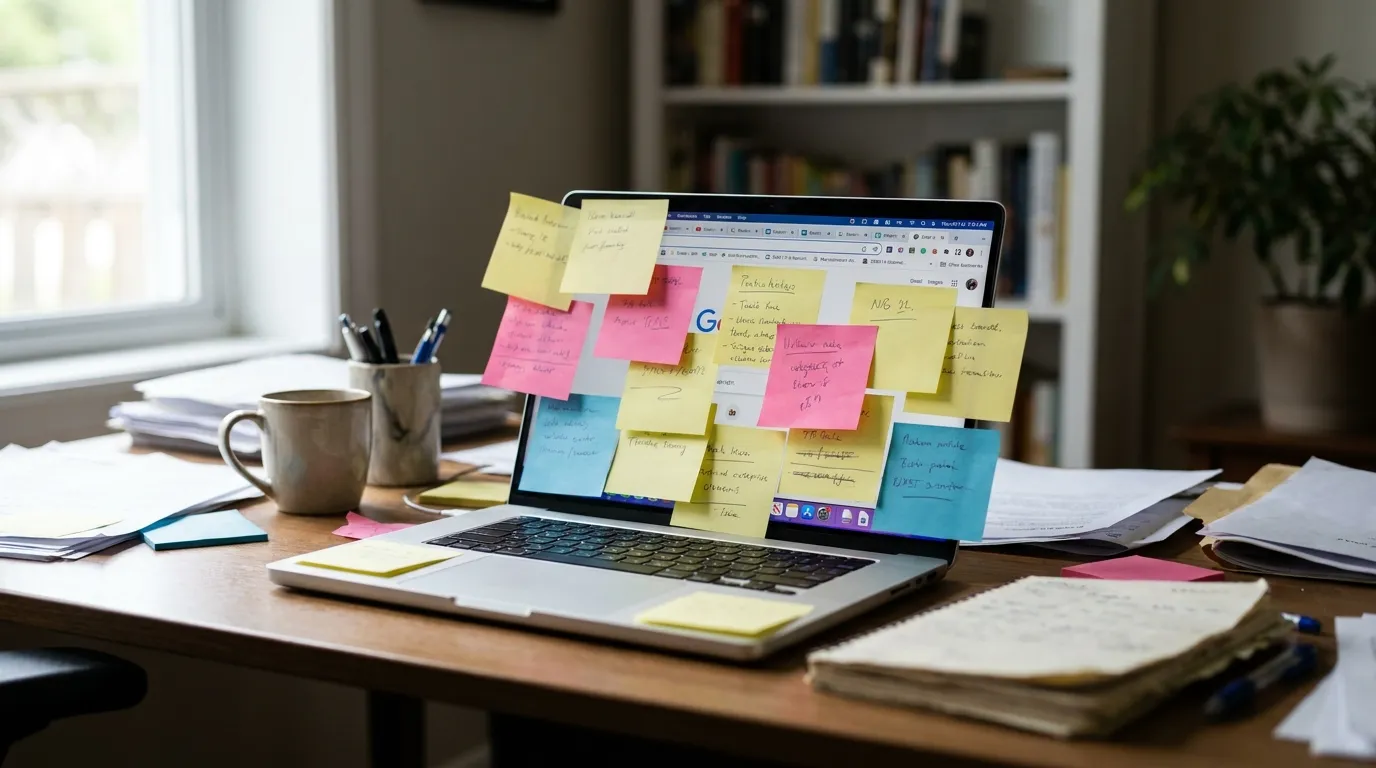
a cluttered desk with sticky notes covering a laptop showing multiple browser tabs
The Five Signals You've Outgrown Your Stack
The shift from "SaaS is great" to "SaaS is killing us" almost never announces itself. It creeps. Here's what I look for when a business owner asks me whether they should keep stacking subscriptions or build something:
1. You're Paying Humans to Move Data Between Tools
This is the loudest signal and the one owners ignore the longest. If anyone on your team is exporting CSVs from one platform and importing them into another that's a workflow your software should be doing for free. Once you're spending more than five hours a week on data shuffling, the ROI math on automation starts to flip.
2. The Tools Don't Fit Your Actual Process
I worked with an HVAC contractor in Hurricane who was using a popular field service SaaS. Great product. But about 30% of his jobs were warranty callbacks on installs his crew had done years earlier, and the software had no clean way to link those callbacks to the original install record. So his techs were searching paper folders in the truck. The software was forcing the business to bend around it, instead of the other way around.
3. Your Subscription Bill Has Quietly Hit $1,500+/Month
I don't have a magic number, but in my experience around $15,000–$25,000 a year in combined SaaS costs is where custom starts becoming financially competitive over a 3-year window. Below that, stick with SaaS. Above it, run the numbers.
4. You Can't Get a Report You Actually Need
You want to know which lead source produces customers with the highest lifetime value over 24 months, broken out by service line. Your CRM can't do it. Your accounting software can't do it. Nobody can do it because the data lives in four different boxes. This is a classic outgrown-SaaS symptom.
5. A Competitor's Process Is Visibly Faster Than Yours
If the restaurant down the street is taking orders, routing them to the kitchen, texting the customer when it's ready, and updating their inventory automatically and you're still printing tickets and counting bottles by hand on Sunday nights the gap isn't talent. It's tooling.
The Cost Math Nobody Runs Correctly
Here's where most owners get the decision wrong. They compare a $40/month SaaS to a $25,000 custom build and conclude custom is insane. That comparison is wrong because it ignores three things:
Stack cost, not per-tool cost. You're not replacing one tool. You're usually replacing four to seven.
Labor cost of integration. The hours your team spends moving data, reconciling reports, and working around limitations are real dollars.
Opportunity cost of bad data. Every decision you make on incomplete information has a price.
A custom-built internal tool that replaces $1,400/month in subscriptions and ten hours/week of admin labor pays for itself in roughly 14–18 months and then keeps paying you back for years.
That's the calculation that actually matters. Not "how much does the build cost" but "how fast does it pay back, and what's the multi-year picture."
Custom Doesn't Mean Building From Scratch
Here's the part most people miss. When I say "custom software" I don't always mean a from-zero application with a database and a dev team on retainer. There's a spectrum, and where you land on it depends on budget and complexity:
Custom web app on top of existing tools a purpose-built dashboard that pulls data from QuickBooks, your CRM, and your scheduling tool via API, so your team works in one place. Often the cheapest first step.
Workflow automation layer using tools like Make, n8n, or custom scripts to handle the data-shuffling between your existing SaaS without replacing any of it. This is where most of our automation work lives.
Replacement of one painful tool keep your accounting and email SaaS, but build a custom replacement for the scheduling/dispatch tool that's the actual bottleneck.
Full custom platform your business runs on one system you own. Usually overkill for a small business unless you have very specific operational complexity.
Most of the time, the right answer for a small Southern Utah business is option one or two, not option four. And there's a lot of overlap with web design here a well-built custom dashboard or client portal is, fundamentally, a web application. The same team that builds your marketing site can build the internal tool your office manager logs into every morning. We've done both for the same clients more than once.
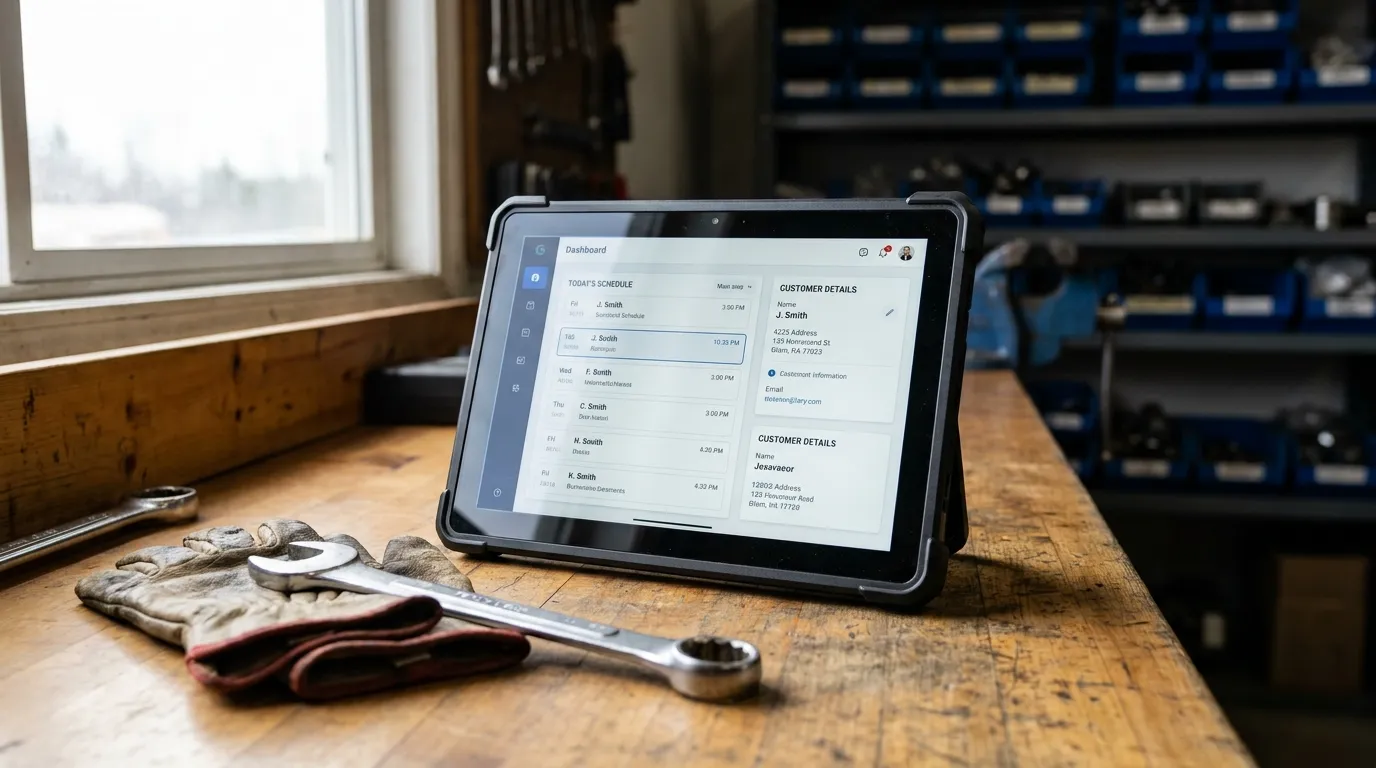
a tablet on a workbench showing a clean dashboard with job schedule and customer details
How to Make the Switch Without Blowing Up Your Operations
The fastest way to ruin a custom software project is to try to replace everything on day one. The contractors I've seen succeed at this followed a pattern that's pretty boring but works:
Start With the Worst Pain Point
Identify the single workflow that's costing you the most time or causing the most errors. Build a custom solution for that one thing. Live with it for 60 days. See what you learn.
Keep Your Boring Tools
QuickBooks is fine. Google Workspace is fine. Your payroll provider is fine. Don't replace the commodity stuff. Replace the things where your process is genuinely different from the off-the-shelf assumption.
Demand API Access on Anything You Keep
If a SaaS tool you're using has no API or a terrible one, that's a strike against keeping it. Custom software gets its leverage by tying systems together. Closed platforms ruin that.
Budget for Iteration, Not Just Build
The first version of any internal tool is wrong in ways you can't predict. Plan for a budget that covers 6–12 months of refinement after launch. Skip this and you'll end up with a $30,000 tool nobody uses.
When to Pull the Trigger
If you read all that and you're still nodding along the subscription bill, the data shuffling, the reports you can't get, the competitor who's pulling ahead then yeah, it's probably time. Not to scrap everything. But to honestly map what you have, what's broken, and what one well-built piece of custom software could fix.
This isn't a decision to make on a gut feeling. Get someone who builds these things to look at your actual stack and tell you straight whether the math works. Sometimes we look at a client's setup and tell them they're not ready that two more SaaS tools and some workflow automation will get them another two years before they need to think about custom. That's a legitimate answer too.
If you want a real conversation about where your business sits on that spectrum no sales pitch, no $25k proposal on a first call reach out through our contact page or just call the shop at (435) 266-0441. We'll look at what you've got, run the actual numbers with you, and tell you honestly whether custom makes sense yet. Sometimes it does. Sometimes it doesn't. Either answer is worth knowing.